
- Teacher: Katie Mogg
East Midlands PCC & SiC Network
-
-
Here you will find a variety of courses including:
To register your interest for any of our courses, please scan or click the appropriate QR code to access the booking form.
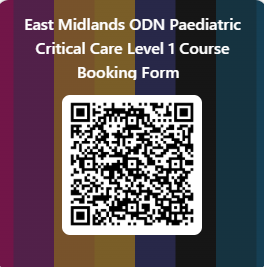
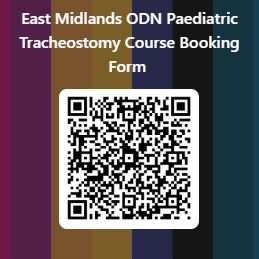
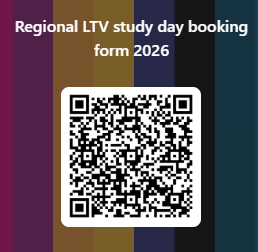
Once booked, you can self-register for an account using the 'log in' button and selecting 'create an account'. Once your account is confirmed via email, you can self-register for the courses using the relevant course password sent via email from the course lead.
If you need more guidance on how to create an account, there is a help guide below.
-
-
Available courses

- Teacher: Katie Mogg
- Teacher: Kerry Morris
- Teacher: Katie Mogg
- Teacher: Vicci Hornsby
- Teacher: Sam Little
- Teacher: Claudia Maccurvin
- Teacher: Katie Mogg

- Teacher: Vicci Hornsby
- Teacher: Sam Little
- Teacher: Claudia Maccurvin
- Teacher: Katie Mogg

- Teacher: Hannah Borrill
- Teacher: Rachael Busby
- Teacher: Adele Frost
- Teacher: Rachel Gregory
- Teacher: Kate Hussain
- Teacher: Nicola McNarry
- Teacher: Katie Mogg
- Teacher: Nicola Rutter
- Teacher: Lydia Shaw
- Teacher: Sarah Walker