How to's
Completion requirements
This book shows how to:
- Navigate the site
- Create an account
- Self-enroll onto a course
Create an account
How to create an account on this moodle site.
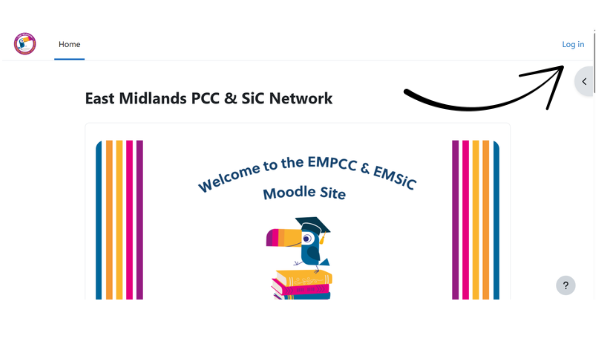
- Click 'Log in' in the top right hand corner of the home page.
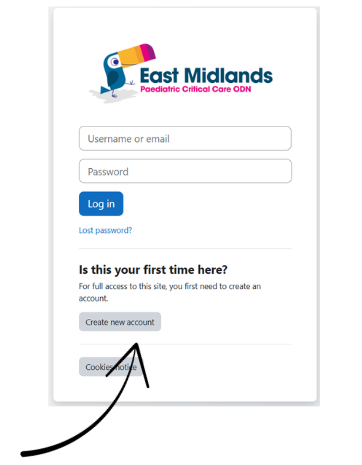
- Select 'Create new account'
- Complete the form fields using your details. Note you must use an nhs.net email address to register
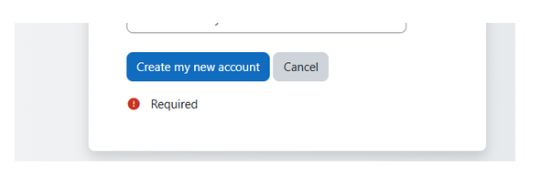
- Ensure you have filled all the required fields then click 'Create my new account'
- Confirm your account via the email sent by moodle
- Log in to your account